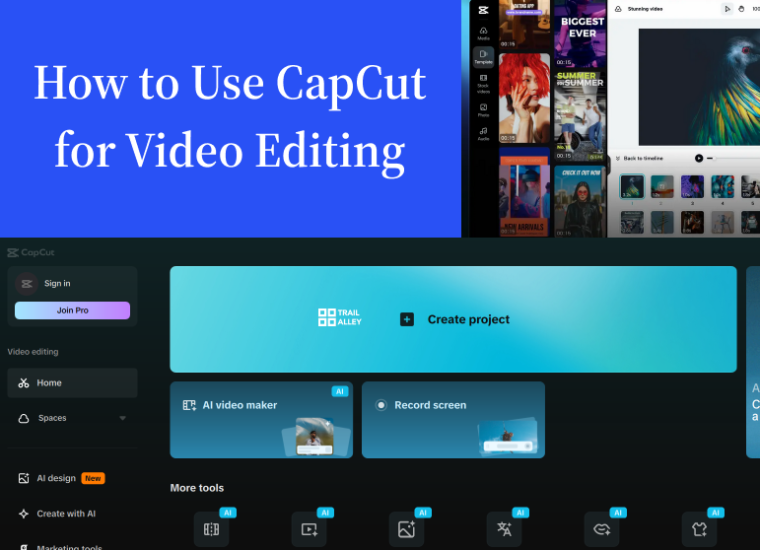
How to Use CapCut for Video Editing
A course by
Learn how to turn simple clips into smooth, engaging videos using CapCut. Create professional-quality content for TikTok, Instagram, and YouTube. All from your phone or laptop.
(0 ratings)
Last Updated April 09, 2026
What you will learn
-
How to set up CapCut and navigate it’s interface
-
How to cut, trim, resize clips, and apply smooth transitions
-
How to enhance videos using effects, filters, overlays, and color grading
-
How to edit audio, add music, record voiceovers, and remove noise
This Course Contains
- 7 Sections
- 22 Lessons
- 5 Weeks
Expand all sectionsCollapse all sections
- Getting Started with CapCut5
- How to Use Basic Editing Techniques5
- How to Add Effects and Filters6
- How to Add Text, Subtitles and Stickers3
- Editing Sound and Audio in Capcut4
- How to Monetize Your Video Editing Skills4
- Capstone Project2
Course Feedback
Course Feedback
0
(0 ratings)
₦15,500.00
Skill level All levels
22 lessons
Assessments: Yes
Full Life Time Access
Certificate of Completion
Related Courses
Learn how to create stunning visuals using Canva. Master design essentials, explore templates, and craft professional graphics for any purpose — social media, branding, or presentations
-
36 Lessons
₦15,500.00
₦15,500.00